

August 2 is an important day for the United States: it's the day the Declaration of Independence was signed. No, that’s not a glaring typo! Contrary to popular belief, the Declaration of Independence was signed on August 2. The Continental Congress approved the draft of the Declaration on July 4, but the actual signing did not happen for nearly a month.
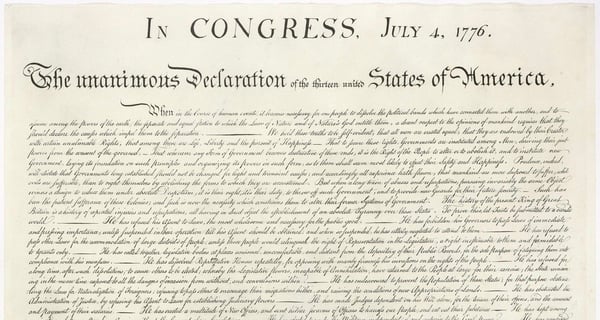
Now that we know the history, we can all go and celebrate the Second of July fireworks! July 2? Again, no typo! That’s the date that John Adams argued we should celebrate America’s independence. The text of the Declaration of Independence was voted on and approved July 2. What’s July 4? That’s when the ratified text was approved.

How did the early citizens of the United States celebrate? By working! The 4th of July wasn’t a federal holiday until 1870. While fireworks were a part of some celebrations most early festivities were on a less epic scale and involved a dinner or bonfire, and a 13-gun salute. If the 4th happened to fall on a Sunday, it was moved to the 5th.
If you happen to be a fan of the morbid, you can also use this date to remember three Presidents who died on this day: John Adams, Thomas Jefferson, and James Monroe.
Now that you’ve got a short dose of Fourth of July history take a look at some of the digital signage templates that our Creative Team has made for your displays. These customizable templates can be added to your display in less than five minutes. Take a look at the video below to see how.
Fourth of July Digital Signage Templates



Our Creative Team is adding templates for every major holiday, so make sure and check back often to give your digital signage a refreshing seasonal look.
There are over 100 more that are available for you to update your content faster and easier. Here are examples of some of our most popular templates:

More From Our Blog
-
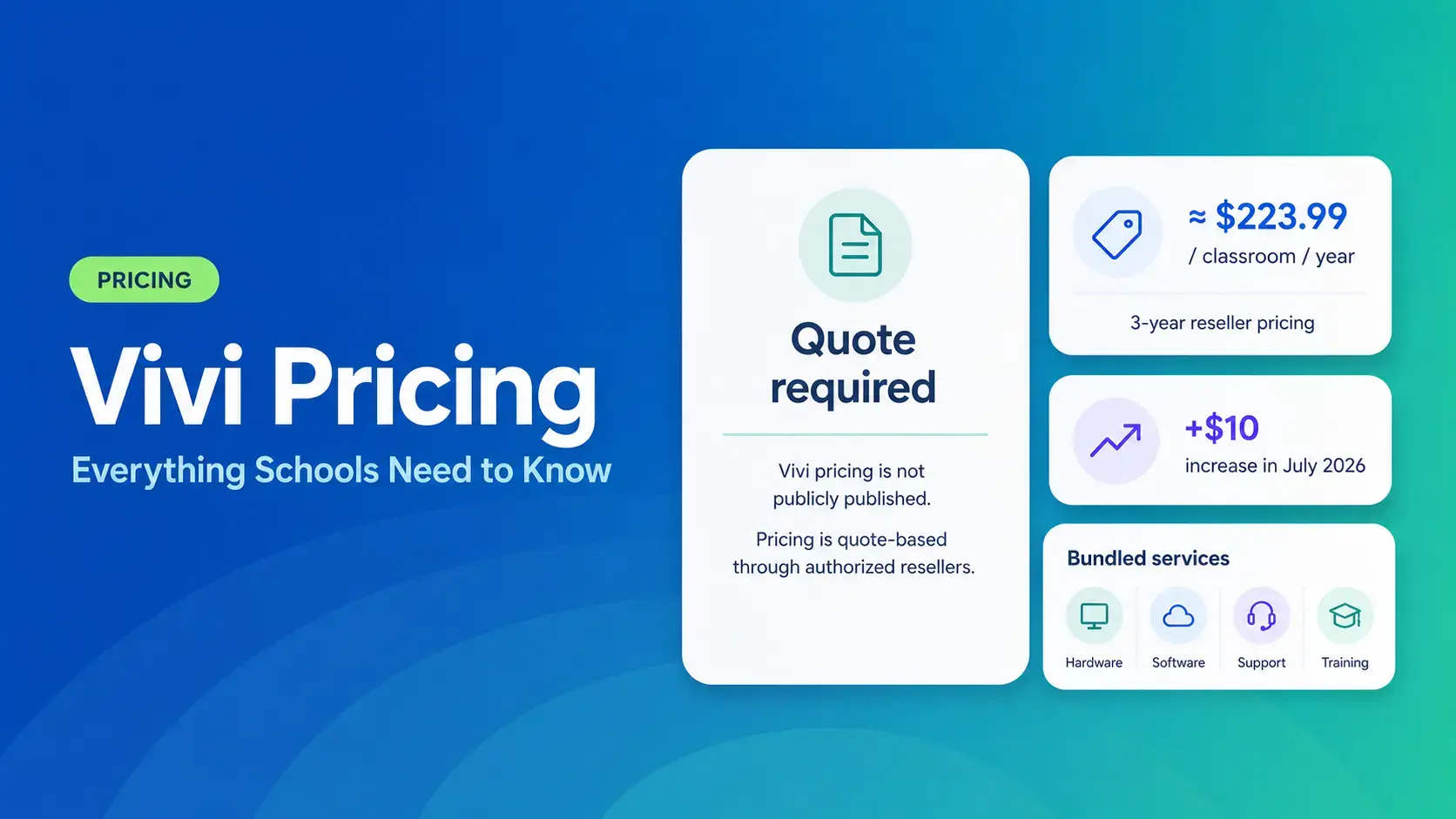
Vivi Pricing 2026: Everything Schools Need to Know Before Getting a Quote
If you're budgeting for Vivi, expect to call sales for a number. Pricing isn't published anywhere. Reseller data puts the 3-year subscription around $224 per classroom per year. That rate rose by $10[…]
Read More -
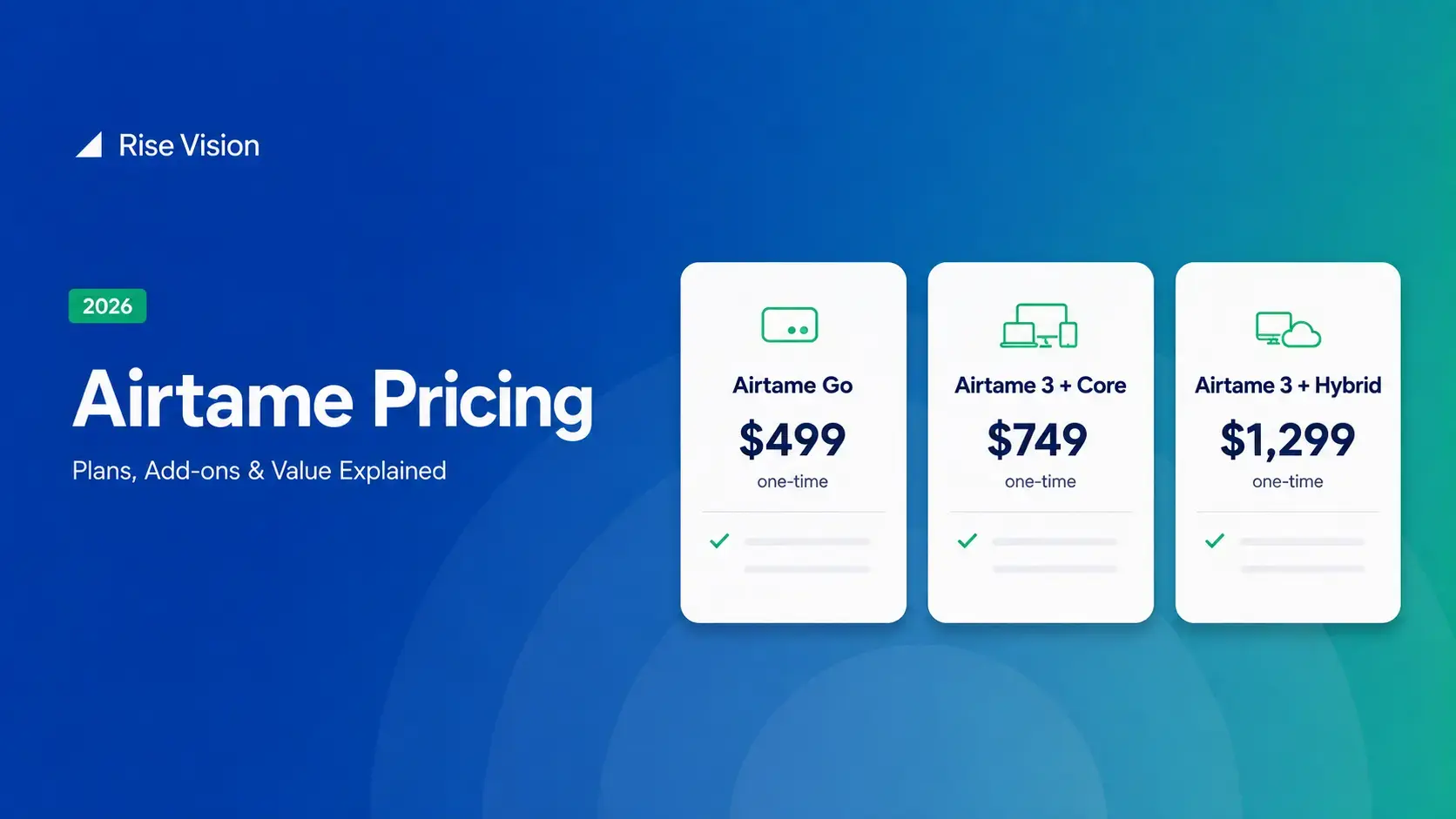
Airtame Pricing 2026: Plans, Costs & Renewal Fees
Airtame's 3-year bundles run $299 to $1,299 per display, then $120–$300/device/year to renew. Signage and alerts come standard on every tier, but only screen sharing survives if you skip renewal.[…]
Read More -

Wireless Screen Sharing for Education: How to Set It Up in Your School
Wireless screen sharing for education has become standard in schools, but most classroom setups still break down over mixed devices and separate networks. The right platform handles every device,[…]
Read More
12,300+ Organizations Trust Rise Vision, You Can Too
































Schedule a Free Demo
You deserve the #1 all-in-one platform for digital signage, screen sharing, and emergency alerts.





